The assessments area allows you to create an unlimited number of folders and assessments to associate with a vacancy, or vacancy template.
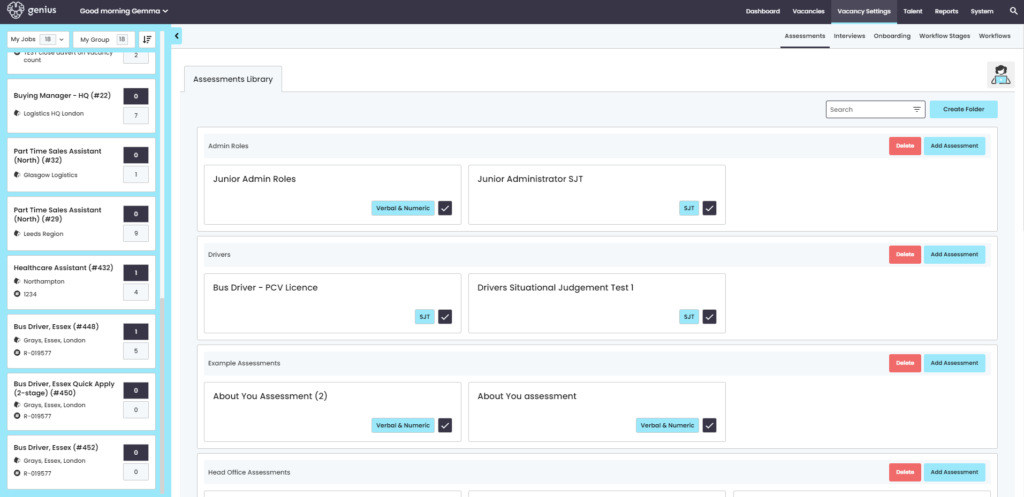
Create Folder
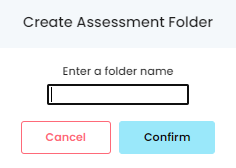
To create an assessment or an assessment library click [Create Folder] and give the folder a title.
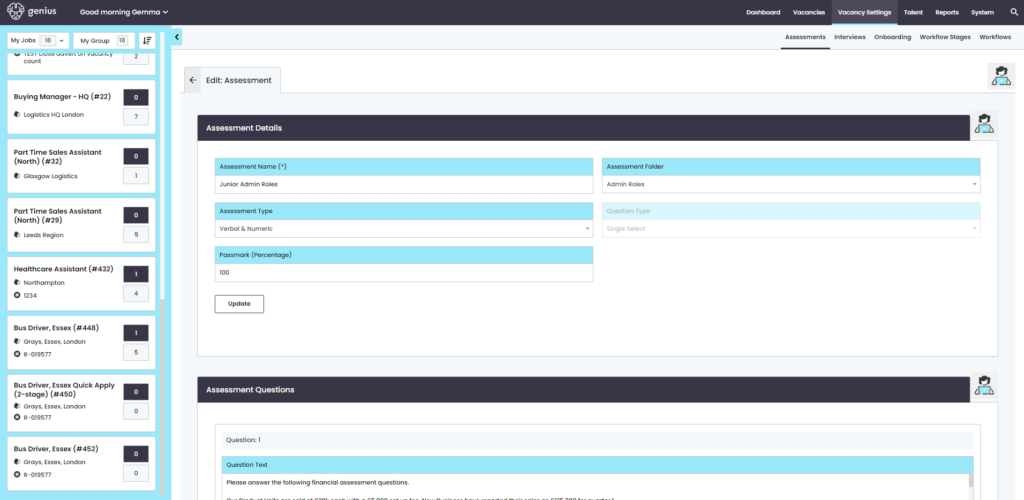
Click on [Add Assessment] and the following screen will appear. Complete the details and options will be presented throughout as: dropdown lists, freetype areas, scores
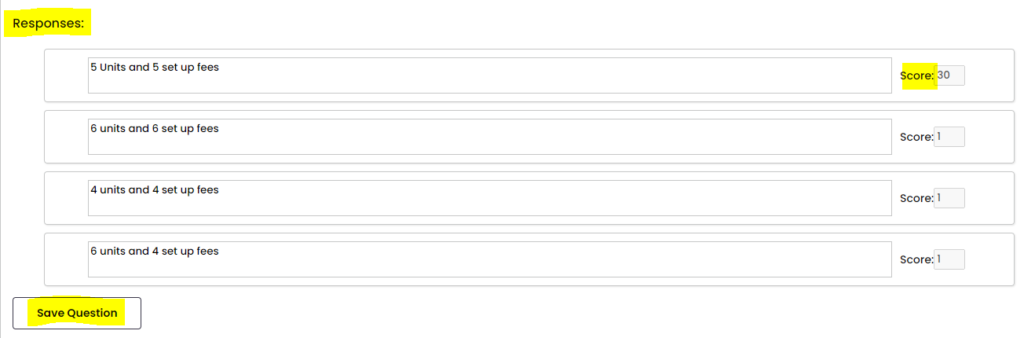
Then add your questions and assign a score for each (which calculates the pass score when applicants complete the assessment).
You can add as many questions as you require, however once you have clicked on [Save question] you cannot edit it.