Organisations is an optional addition to the system which is an addition cost to your annual license.
Organisations offers the ability to to work with multiple ‘Organisations’ within your system, this could be companies, agencies anything you can think of. The specified group will need to register into the system and be approved by the over arching company (You). This gives them the option to have access to your system and perhaps raise a vacancy, contact candidates in the Talent search, all dependant on the permissions they have within the system.
The front end of the system is where the ‘Organisations’ will be listed and are the approved user groups withing the system.
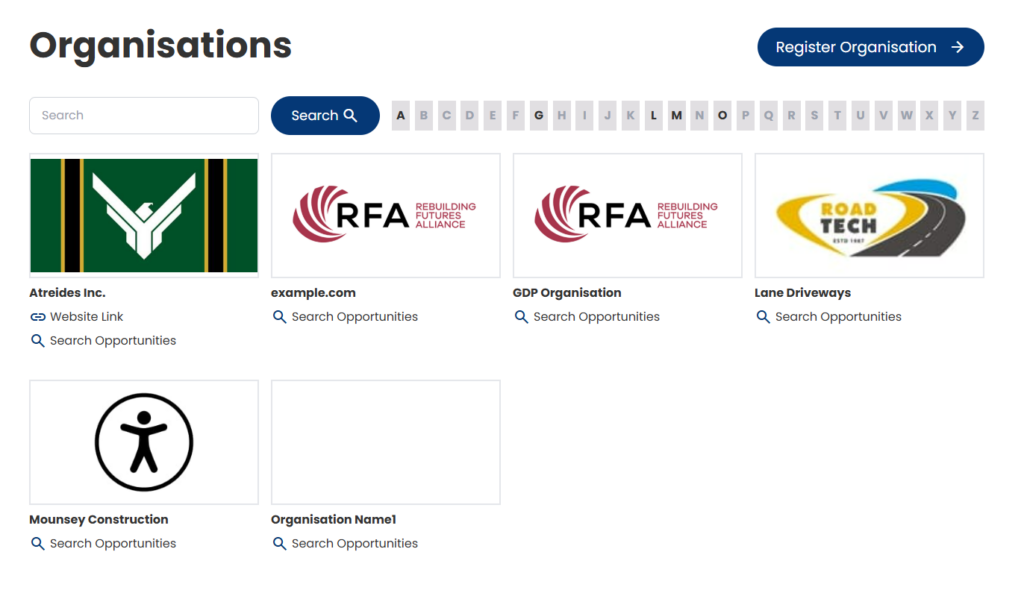
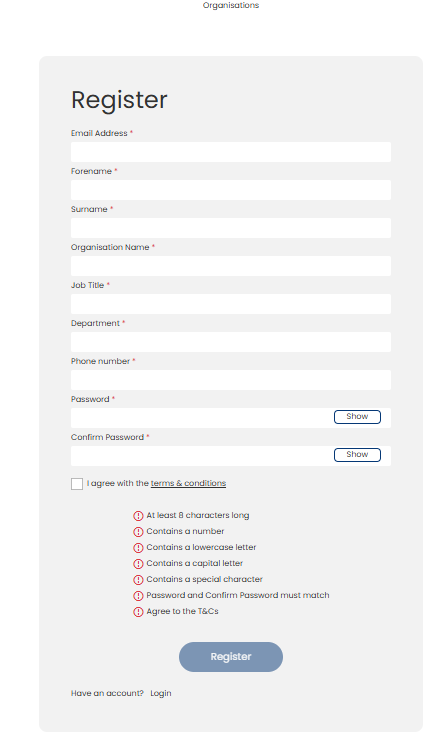
If you want ‘Organisations’ to be able to register without you having to do it for them. All they have to do is Register. As a starting point they will be required to complete basic information, which will taken them to a Dashboard to complete certain criteria, with the option to ask bespoke questions as part of your process.
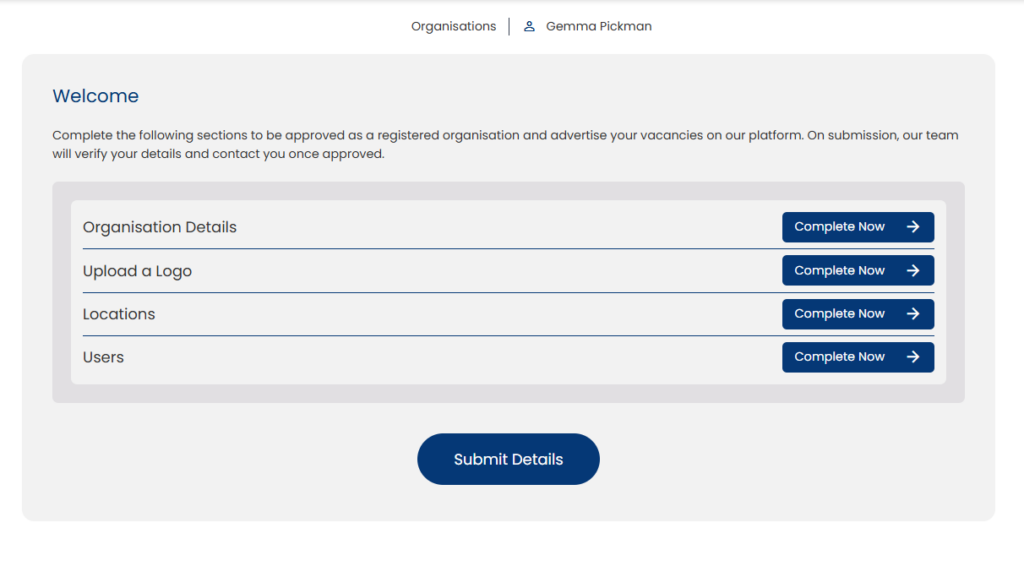
Once all of the required information has been completed they will have the option to register for approval.
Once approved the organisation will be invited to log on to the system with their own user group and set locations as they created them.
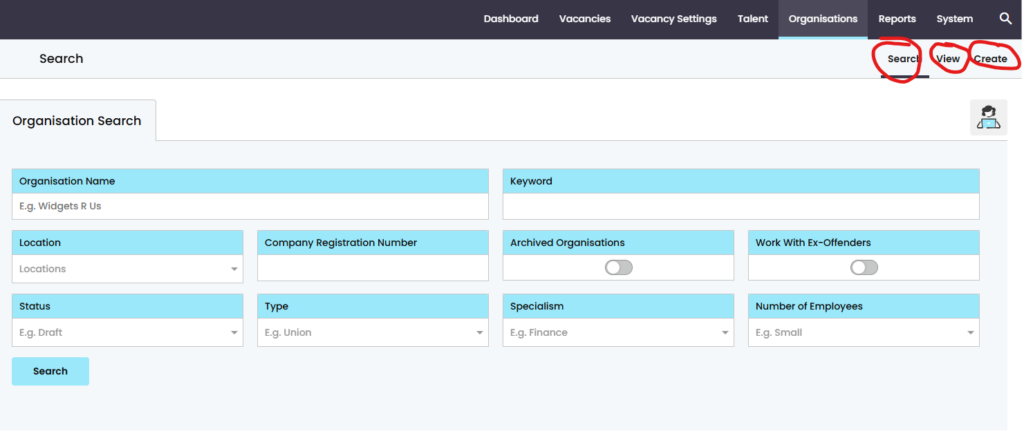
There is also the option to use ‘Organisations’ in the control panel. There in an additional tab added to the system for ‘Organisations’ as long as you have the permission to view them. Within this section there is the option to search with the set fields. View a list of the organisations that have either been approved or awaiting approval. Also create an Organisation manually.
If you’d like to understand this more and how it can help you. Please contact your Account Manger or clientsupport@genius.online