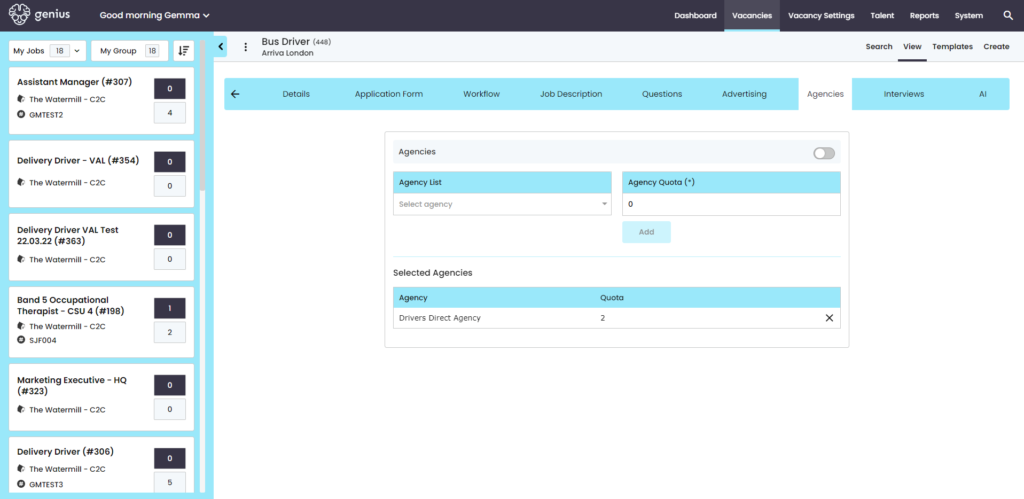
The vacancy advertisement times and dates are managed within the template under the [Advertising]Tab. Vacancies can be pushed to the GeniusATS Search & Apply Pages, Job Boards and Agencies.
Functionality
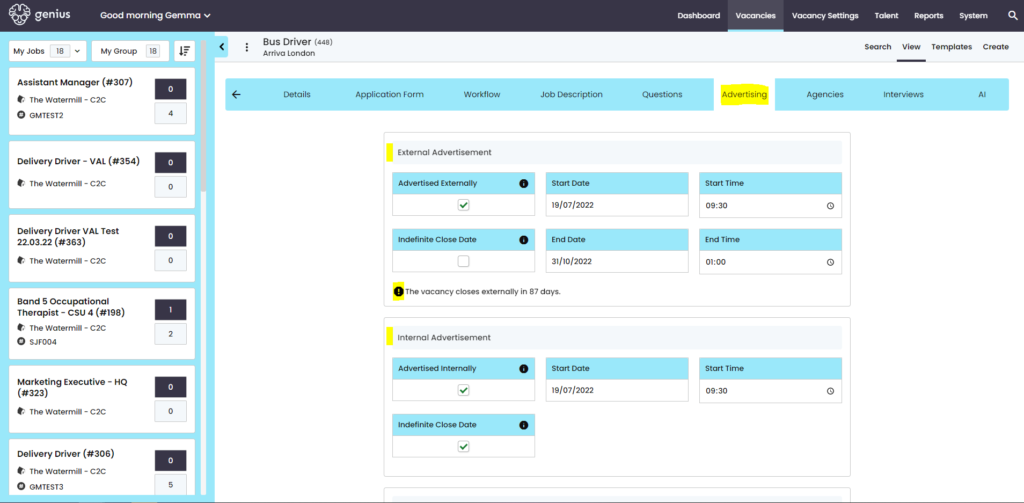
External Advertisement :
- Click to launch on the pre-set time / date
- Set the end time and date
- Or, tick [Indefinite close Date] if you want the vacancy to remain open always
Note: End Date and Indefinite Date are linked, if you want to remove the end date, tick the indefinite date and untick and it will update with todays date, rather than saving with something in the past
Internal Advertisement:
- Click to launch on the pre-set time / date
- Set the end time and date
- Or, tick [Indefinite close Date] if you want the vacancy to remain closed
Note: End Date and Indefinite Date are linked, if you want to remove the end date, tick the indefinite date and untick and it will update with todays date, rather than saving with something in the past
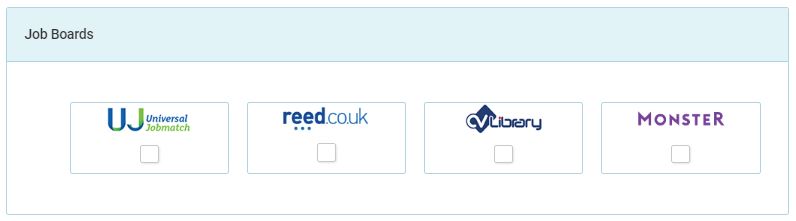
Job Boards
GeniusATS sends out vacancy feeds to a number of pre-defined Job Boards, to advertise your vacancy with your preferred job board(s) simply click the box under the logo and the vacancy will be sent via the feed in the next sweep.
Note: if you do not have the permission to Launch to Job boards you will not be able to see them. However if they are ticked in the template by someone who created it then it will push to the selected Job Board
Agencies
GeniusATS allows you to send your vacancy to your preferred agencies to allow them to recruit for your role. You can choose from the agency list dropdown and set a quota.