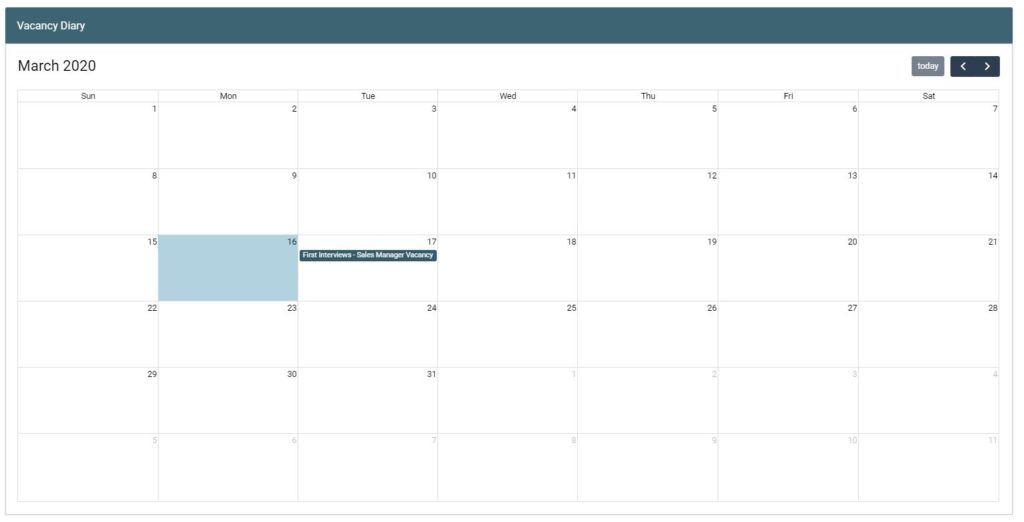
GeniusATS offers users the flexibility to create appointments and timeslots for interviews or assessment days etc.
Here Control Panel Users can block out times where they are available and add candidates into those times when an appointment is required.
Appointment Types
- Standard
- All Day Appointment
- Timeslots
Create Standard Appointment
To create an appointment in the Diary (with no candidates associated), click on the date you wish to create the appointment and the following pop up will appear:
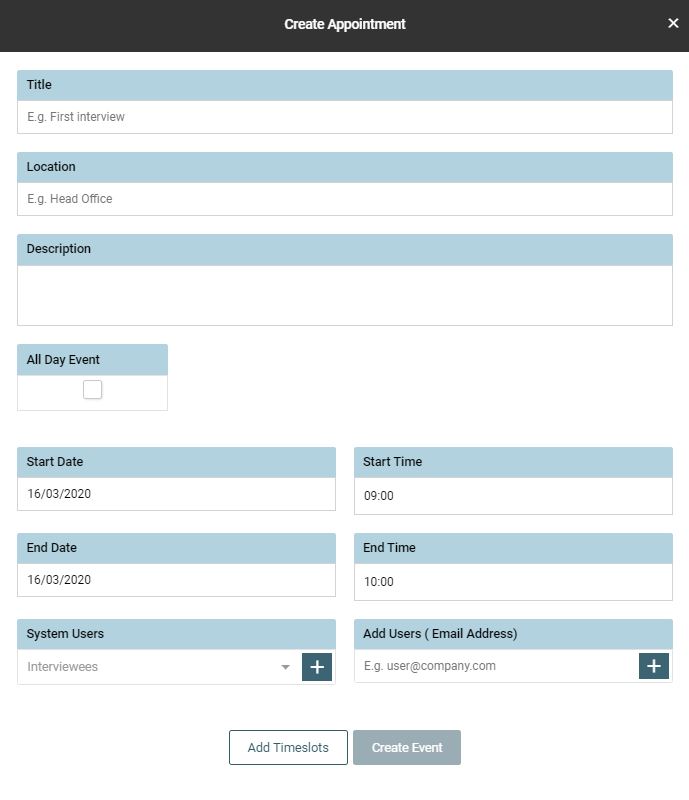
Complete the information in each field and [create event]
Timeslot Appointments
Complete the details of the appointment and click on [Add Timeslots] to manage the details:
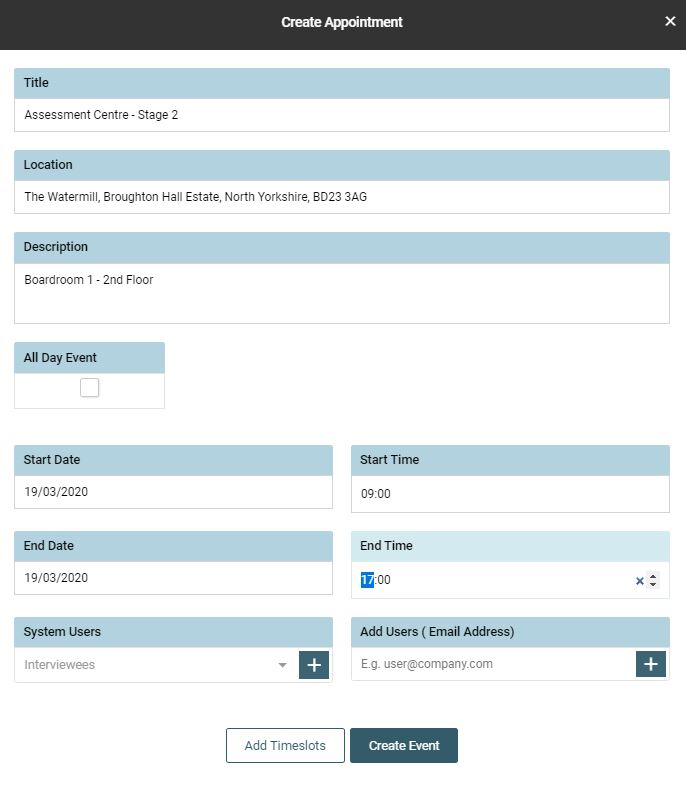
The following pop up appears. Here the user can manage the time slots, from the date start and end time of the appointment to the length of time for each slot and how many candidates you wish to see per slot.
Tip: untick any times you are unavailable (such as lunch or break times) so these are not available for selection by invitees.
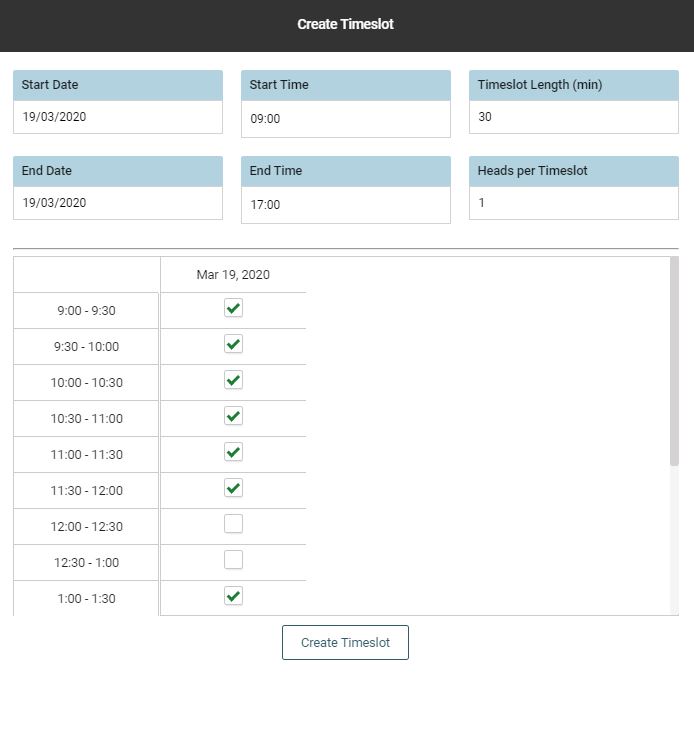
Click [Create] to confirm and create the timeslot appointments in the Diary