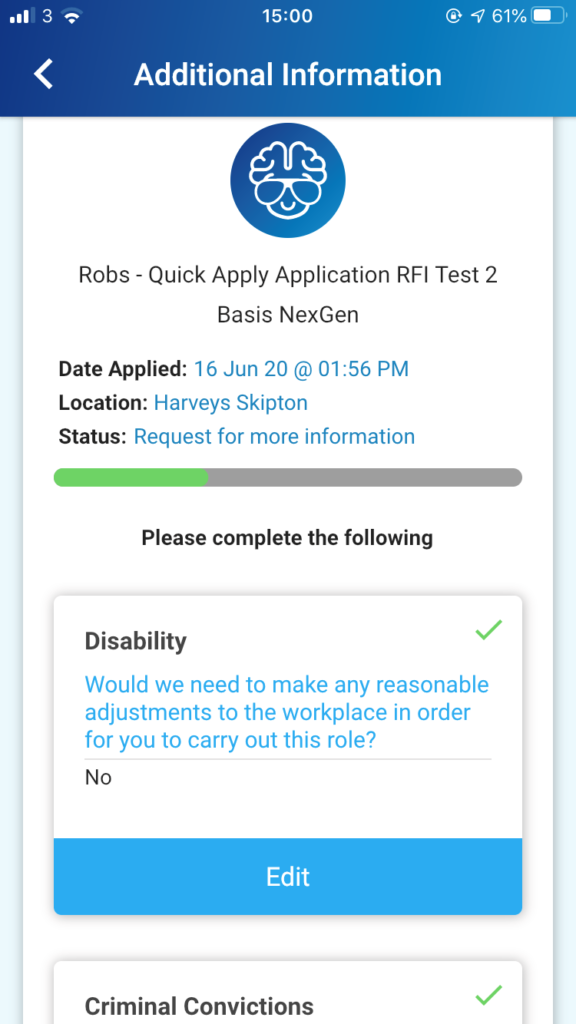
Some vacancies will require that further information is submitted after the initial application. This request is determined in the control panel, during the creation of a vacancy.
When an applicant is required to submit further information, they will receive a notification from the app, depending on whether they have their push notifications turned on, and a follow up email will also be sent. An outstanding action will then show under ‘My Jobs’ in the menu with a red disc.
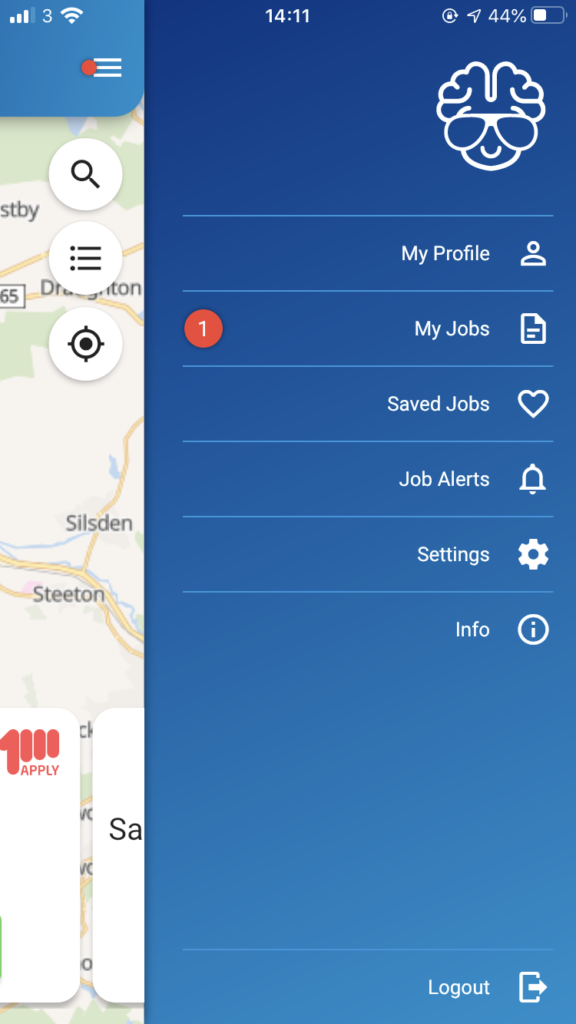
Clicking ‘My Jobs’ will direct you to the application that requires your attention;
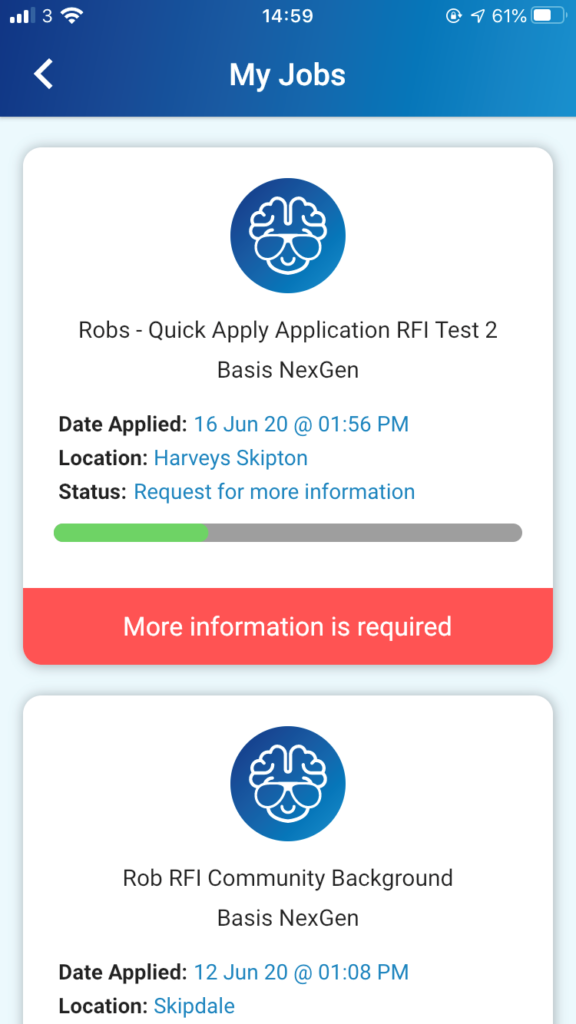
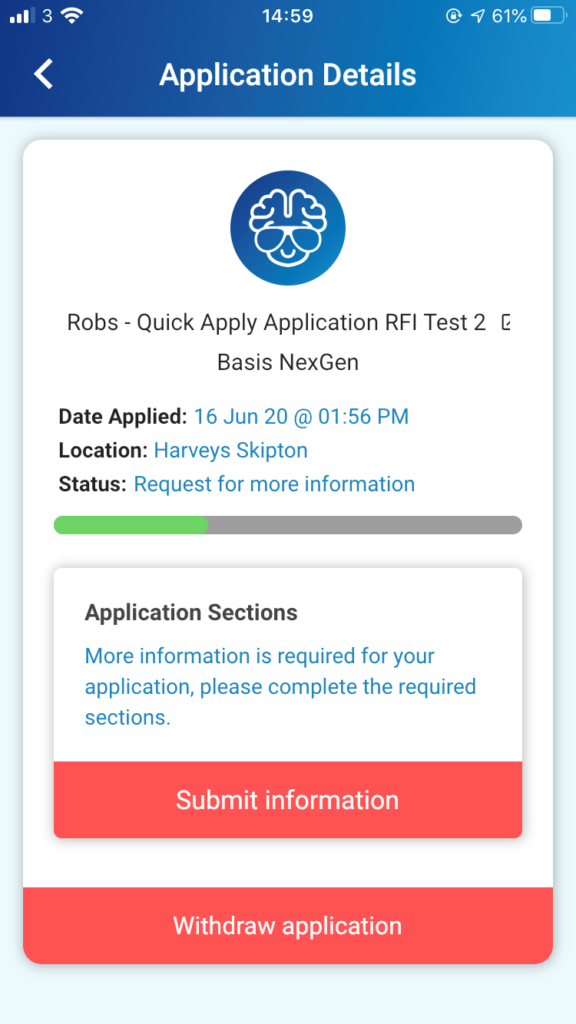
The sections that require your attention are shown. Click [Submit Information]
You can [Edit] your previous selections that are stored in your Profile