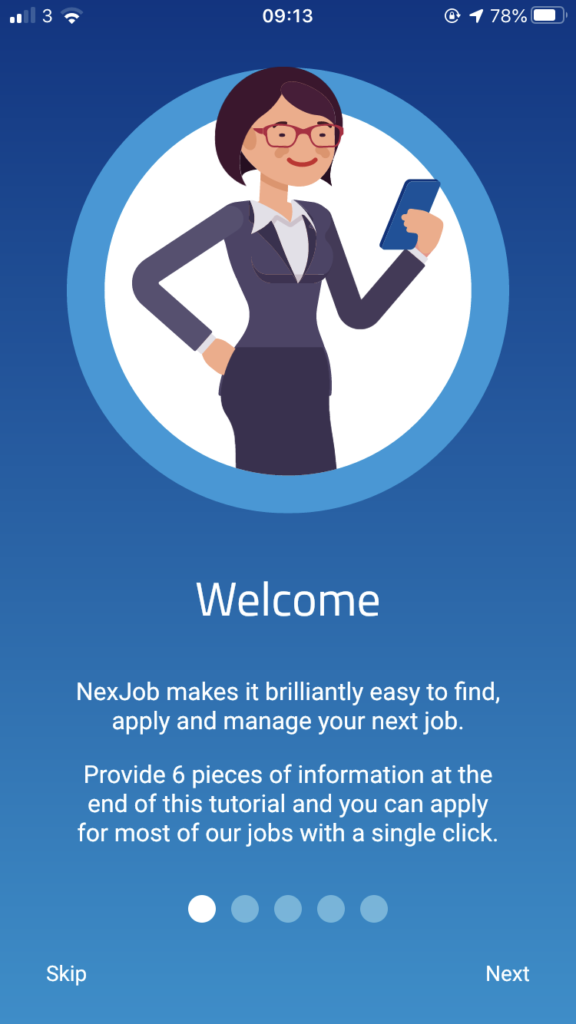
Once you have successfully downloaded the app, you will be presented with a 6 page tutorial on screen advising how to use the app and the features available.
Register
You will then be asked to Register your account.
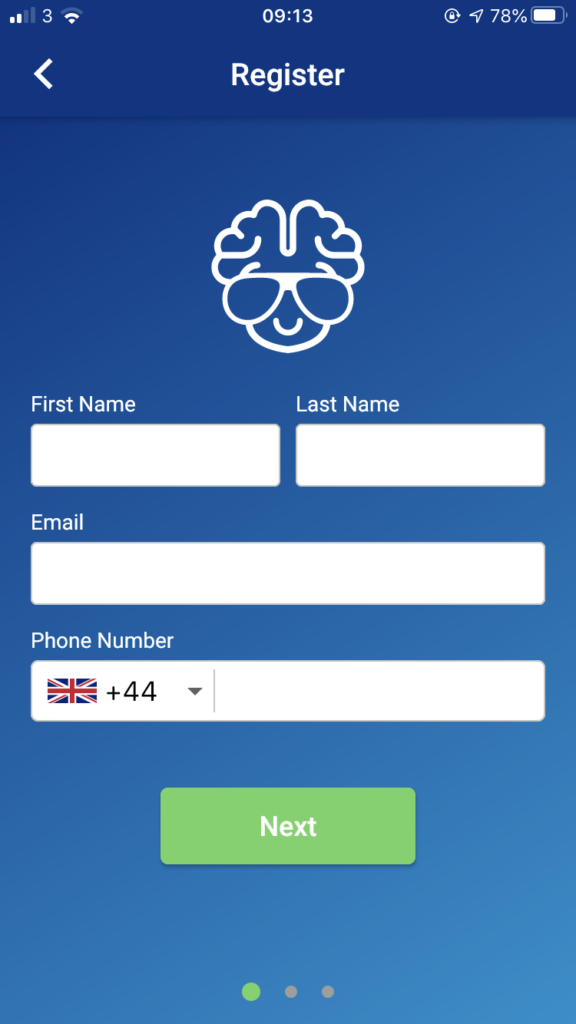
Enter the required information – First Name, Last Name, Email and Phone Number;
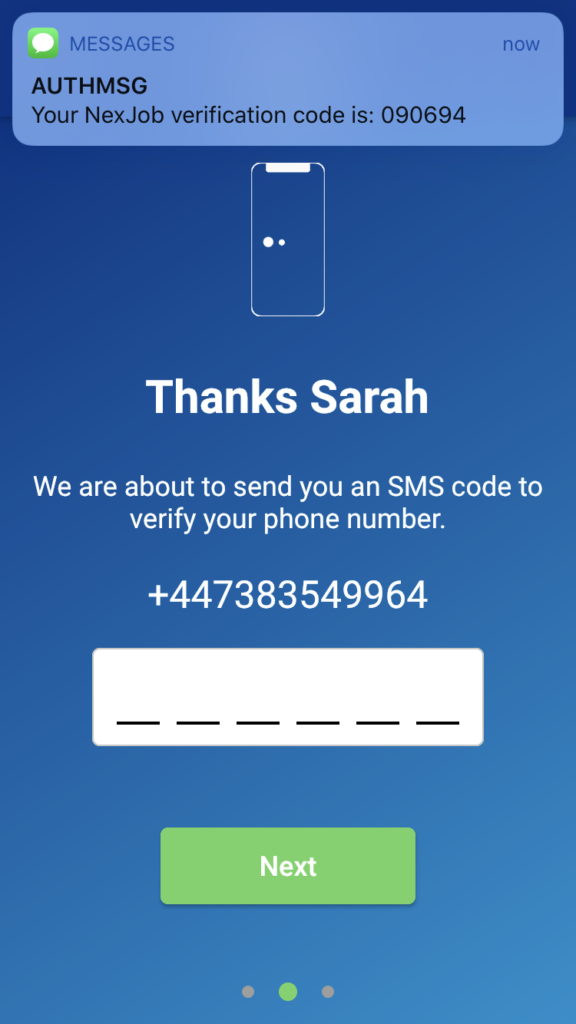
Next you will need to verify your account. An SMS code will be sent to verify your phone number.
Please note – your account within the NexJobs App is based on your phone number.
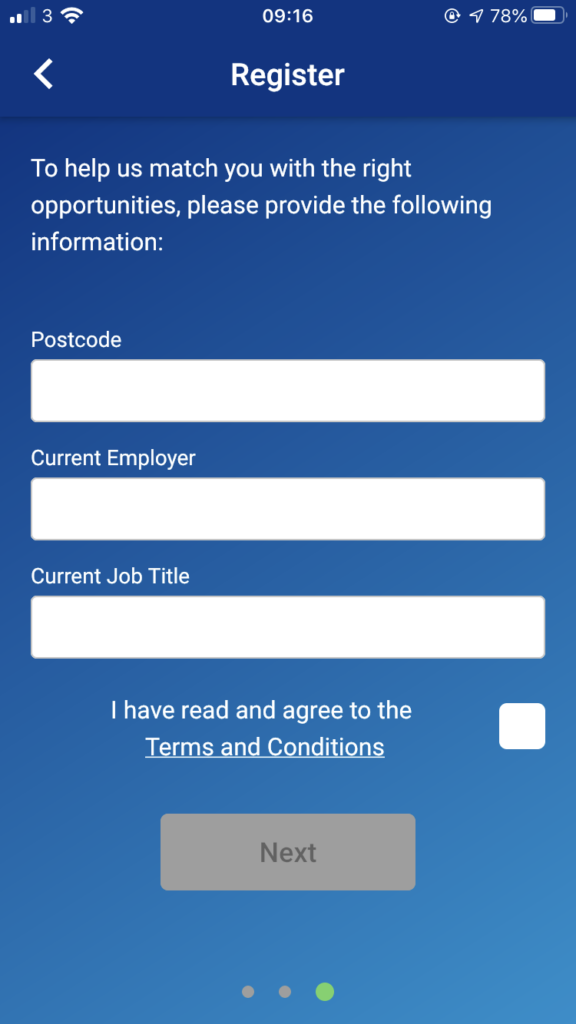
Once you have successfully verified your account – enter your Postcode, Current Employer and Current Job Title then agree to the Terms and Conditions – to allow the app to find you suitable job vacancies;