Add unlimited ‘Sectors’ as required to this area of the control panel. This area allows users to segment information for internal use linking to vacancy management and user permissions.
NOTE: Locations, Sectors & Department Tabs are linked to user permissions to restrict what control panel users can / cannot see in the system.
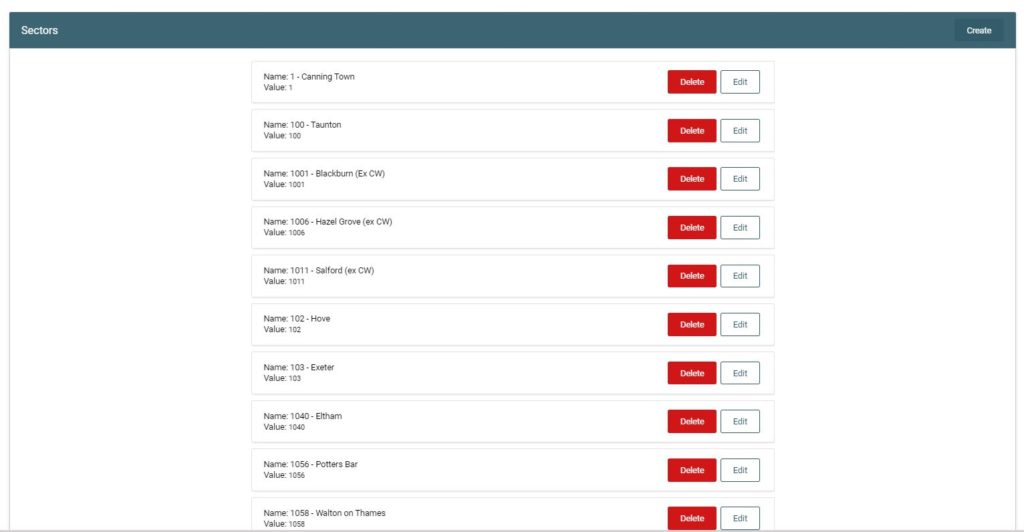
In this section you will see:
- Add/create Sector – use to add a new Sector into the list
- List of existing Sectors – view or edit the existing Sector
- Search
- Edit
- Delete
The Sector is simply a [Name] and [Value]
If you have a cost-code associated with a Sector, this can be added here in the [Value] area and is pulled through to reports.
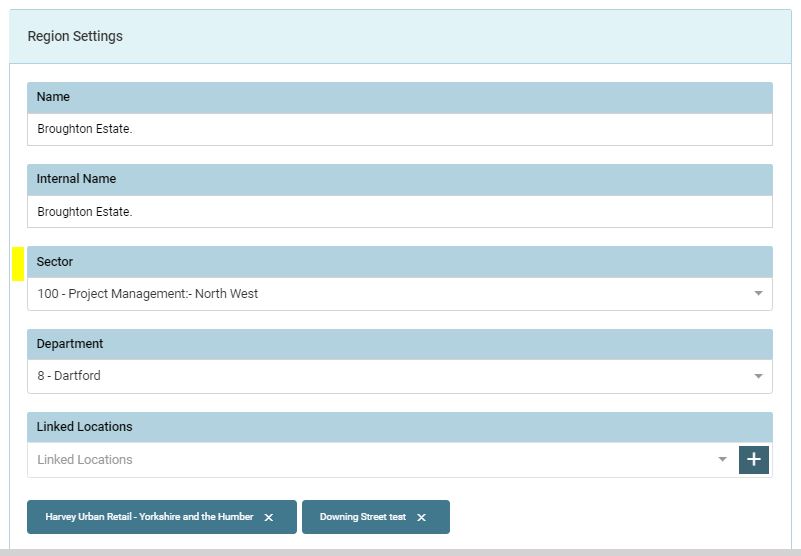
‘Sectors’ can be assigned to a location to restrict access to a location.
E.g. If a location has a sector or department associated to it, users with this permission will see vacancies at this location.
Field Limitations
- Name limited to 100 characters
- Value limited to 100 characters
- Value no longer required field