GeniusATS offers a front end web page for candidates to search for vacancies advertised by a GeniusATS customer.
As well as searching for vacancies, candidates can register their personal details, apply for vacancies, view or download documents, manage any appointments and more.
Vacancy Search Page Options
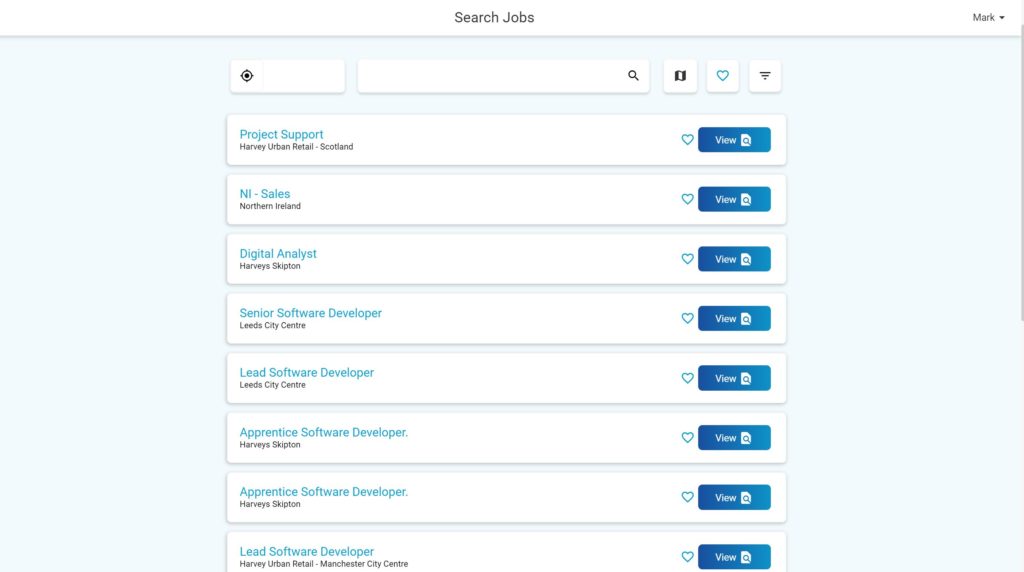
Candidates can view all vacancies that have been posted externally by a GeniusATS customer on the Search & Apply pages. There is a List and a Map view:
Vacancy List View:
Vacancy Map View:
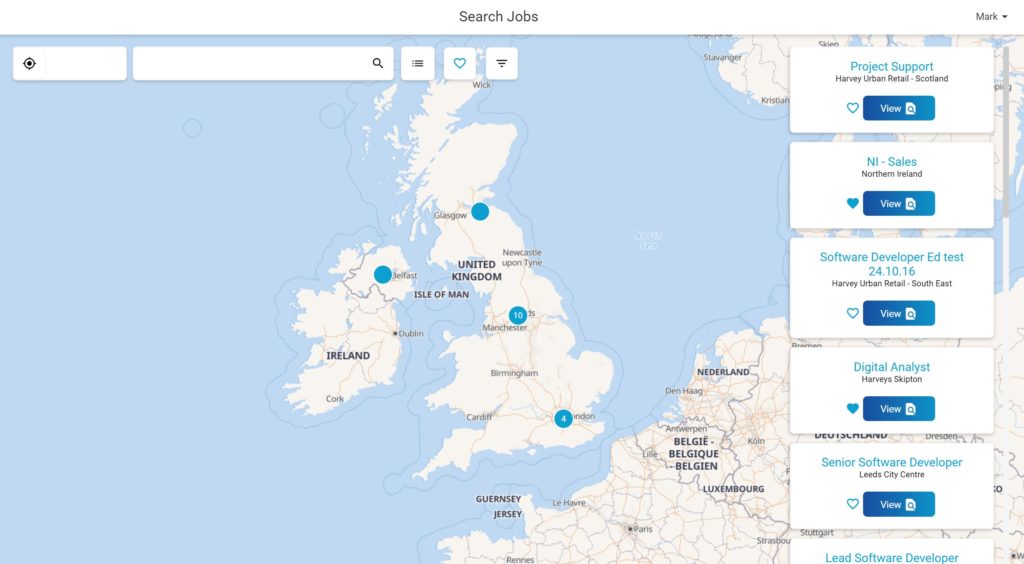
Search / Filter Options
Candidates can filter the results by using the filters located at the top of the screen:

- Location
- Keyword Search
- List view / map view
- Saved Vacancies
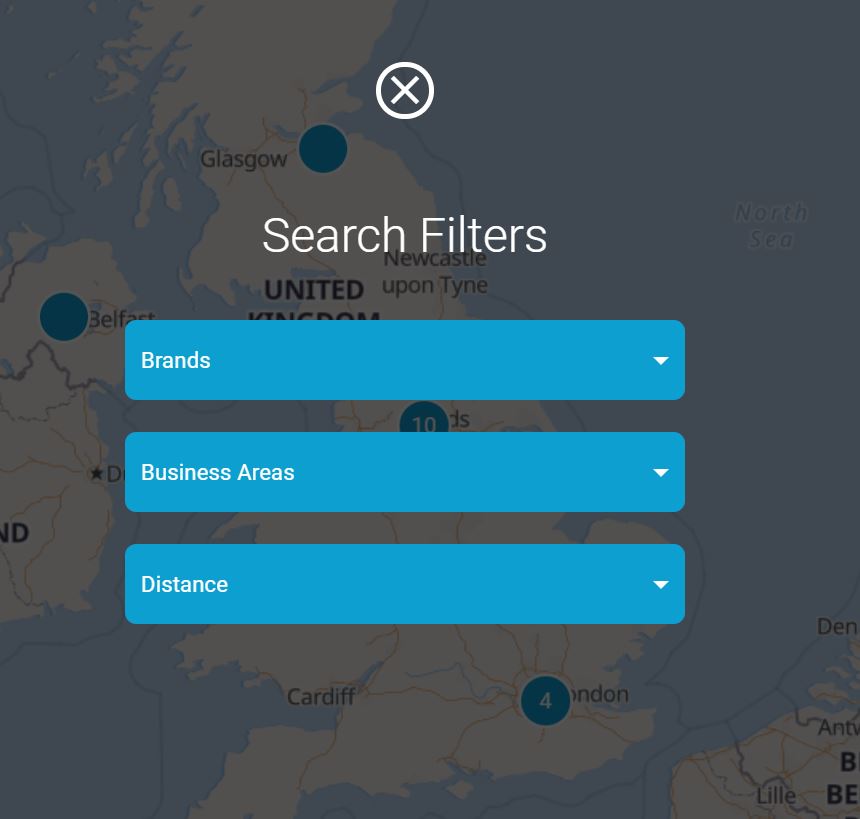
- Filter
- Brand
- Business Area
- Distance
Save Vacancy (shortlist)
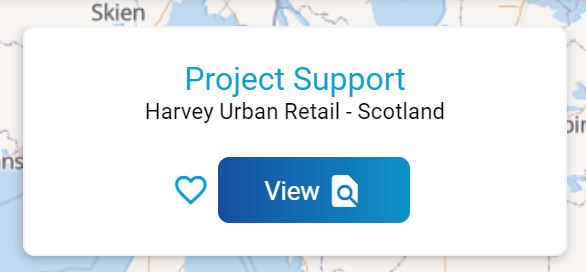
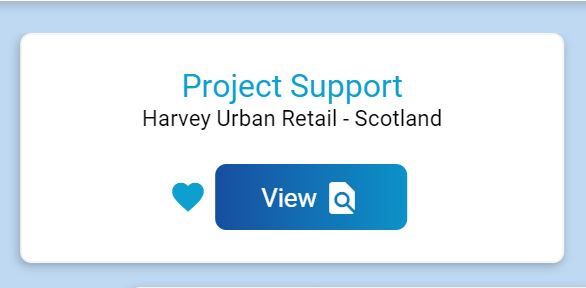
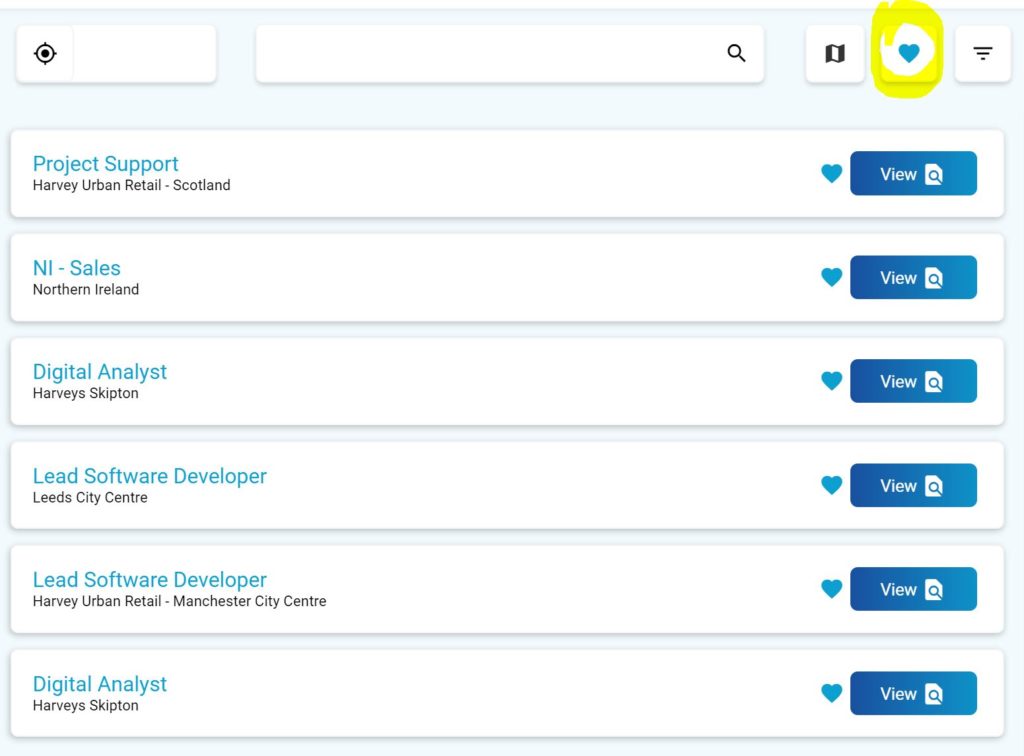
To save a vacancy click on the heart on the vacancy card. The heart will fill with colour. Any saved vacancies can be viewed quickly by using the [heart] filter at the top of the screen. This list can be viewed in map or list view.