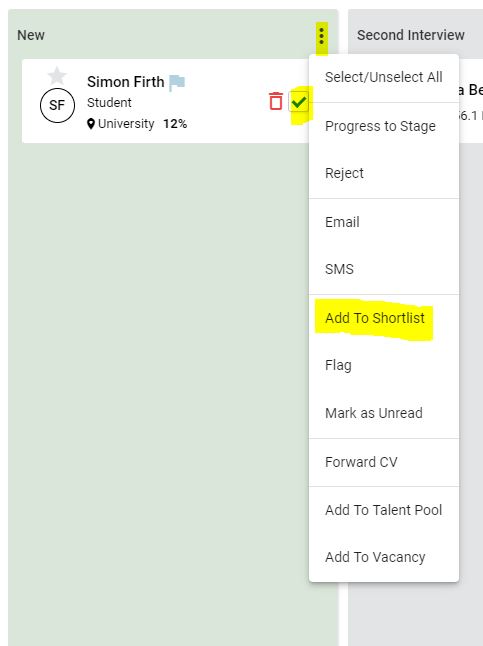
GeniusATS has a ‘shortlist’ to assist the recruitment process by creating a list of candidates of interest that you may wish to progress or show another user with permission to view the vacancy.
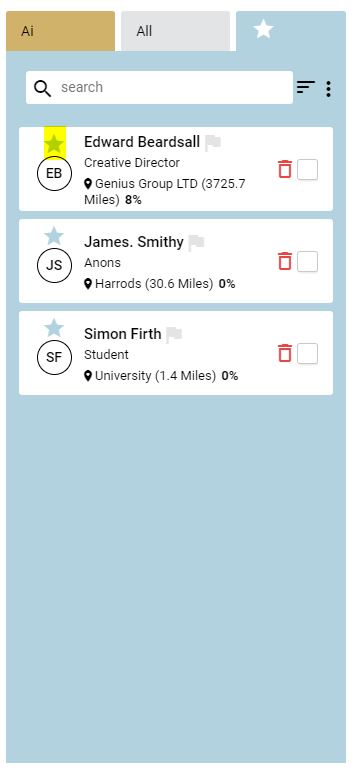
On a vacancy by vacancy basis, there are three quick views:
- AI – shows the most suitable candidates (according to the learning from previous applications and appointments)
- All – shows a list of all candidate applications
- Shortlist – shows a list of all candidates that have been selected
Add candidates to the shortlist by either, clicking on the star above the candidate’s initials:
Tick the candidates you wish to add into the shortlist on the application card, click the action button and [Add to shortlist]