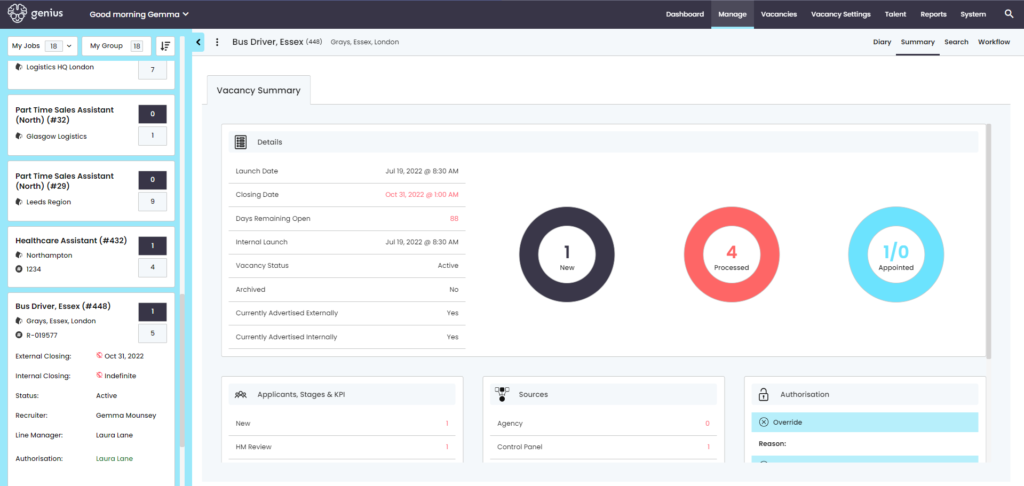
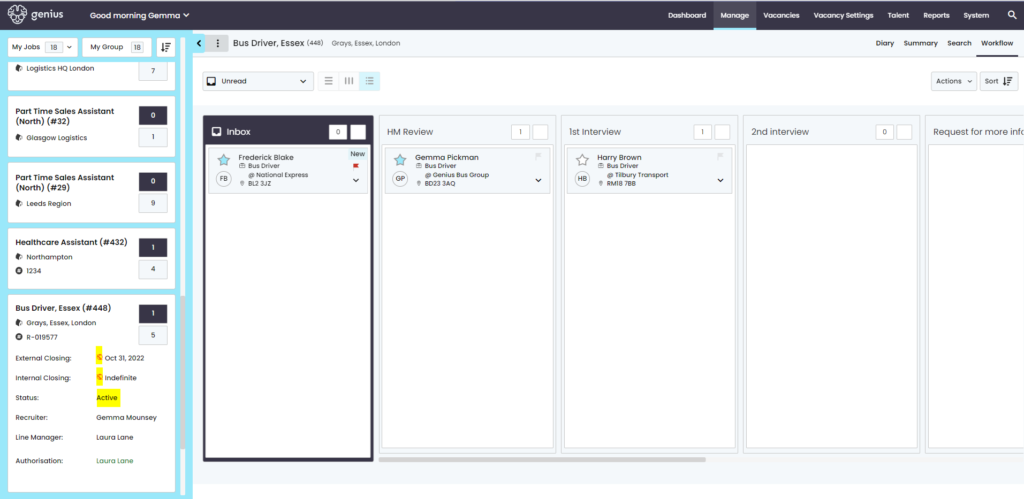
Check/manage the ‘status’ of the Authorisation process in the control panel in a variety of ways…
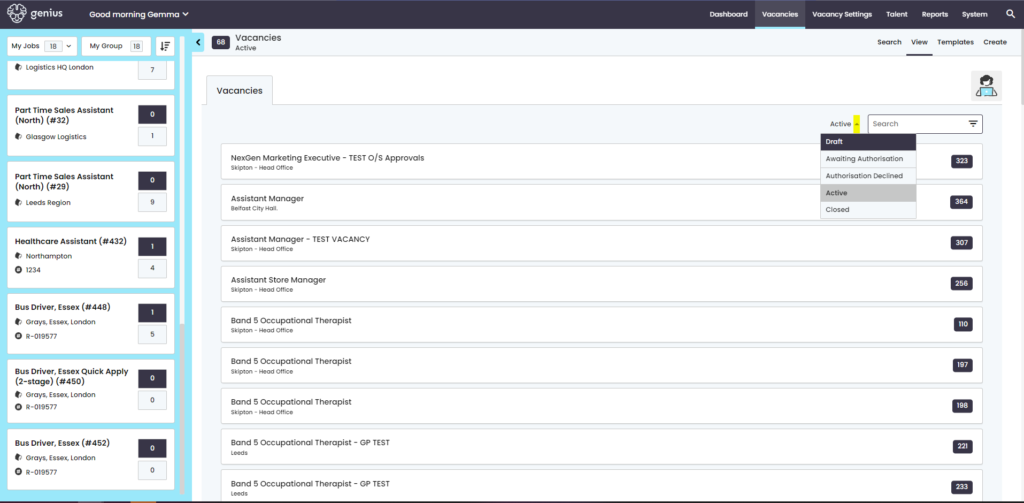
Go to the Vacancies page and use the dropdown
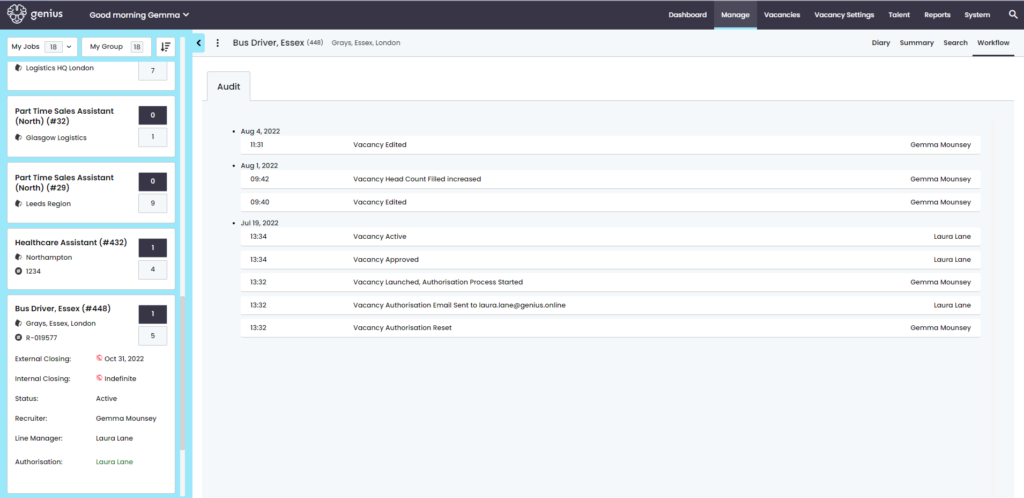
Locate the vacancy (either by title or vacancy ID number), click on the three dots at the top of the page and select ‘Audit’.
Click on the [Summary] tab and the authorisation information can be found at the bottom of the page