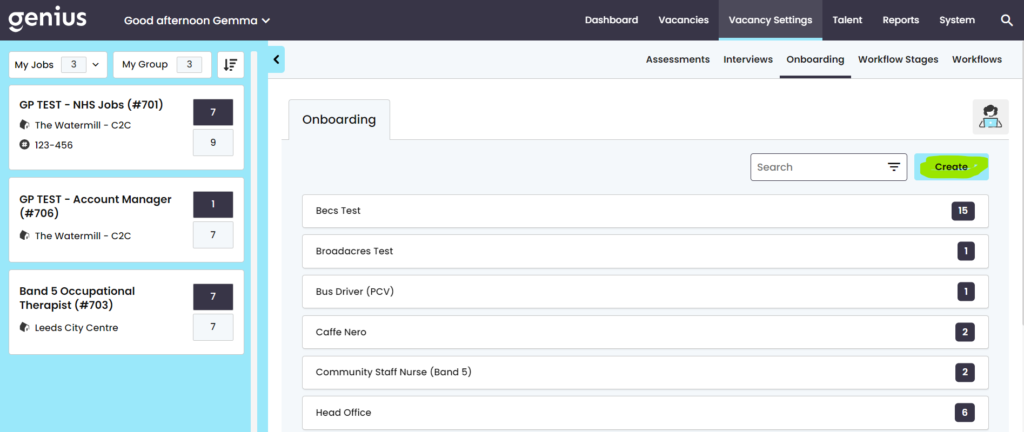
Click on Job Areas > Onboarding
To create a new onboarding pack, click [create] & give your new Pack a title
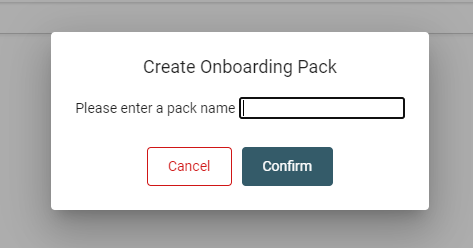
A pack has now been created for you which you will see in the list:
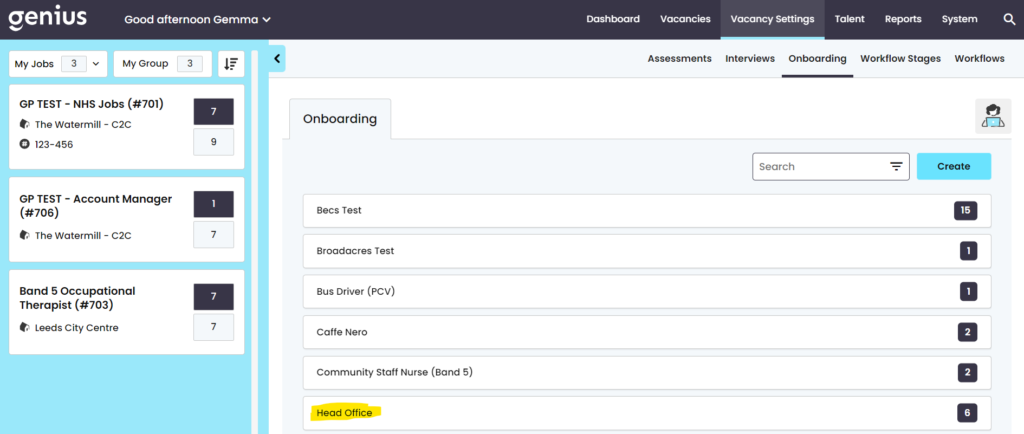
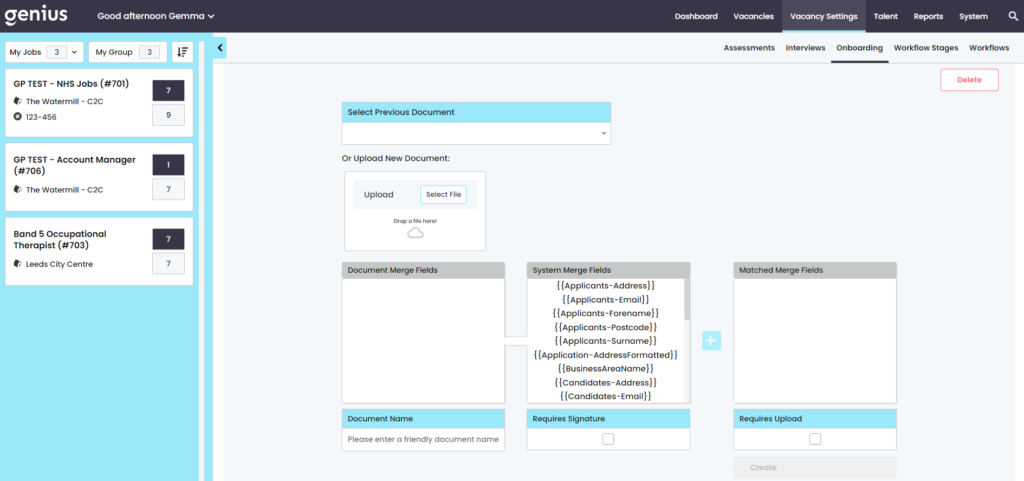
Select the Pack you have created and you will be presented with the following page where you can add the document.
Documents – No Mailmerge Fields
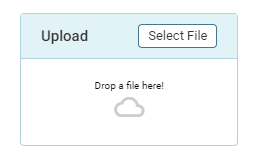
If you wish to upload a document which does not contain any mail-merge fields, simply ‘Drag and Drop’ or click upload
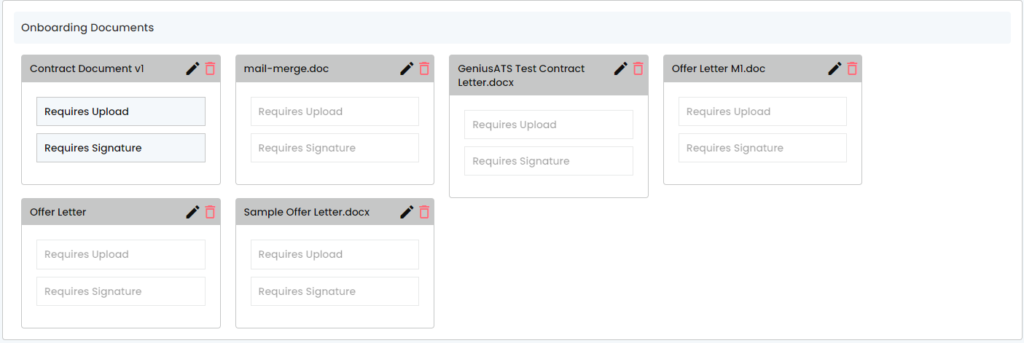
Any documents that have been added into the pack are shown underneath
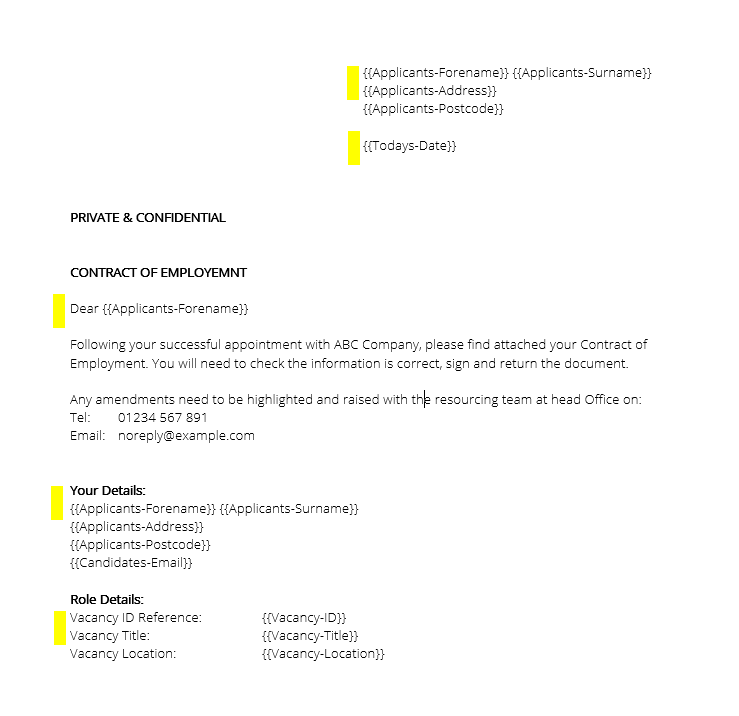
Document with Mailmerge Fields
When adding a document to an onboarding pack that requires mailmerge fields, the document must be formatted before the document is added into the system.
To ensure that the system is matching the correct fields, the [Document Fields] will appear on the left, the [System Merge Fields] in the centre and the [Matched Merge Fields] on the right.
SImply click on the left column, then click on the middle column and click [+] to match them:
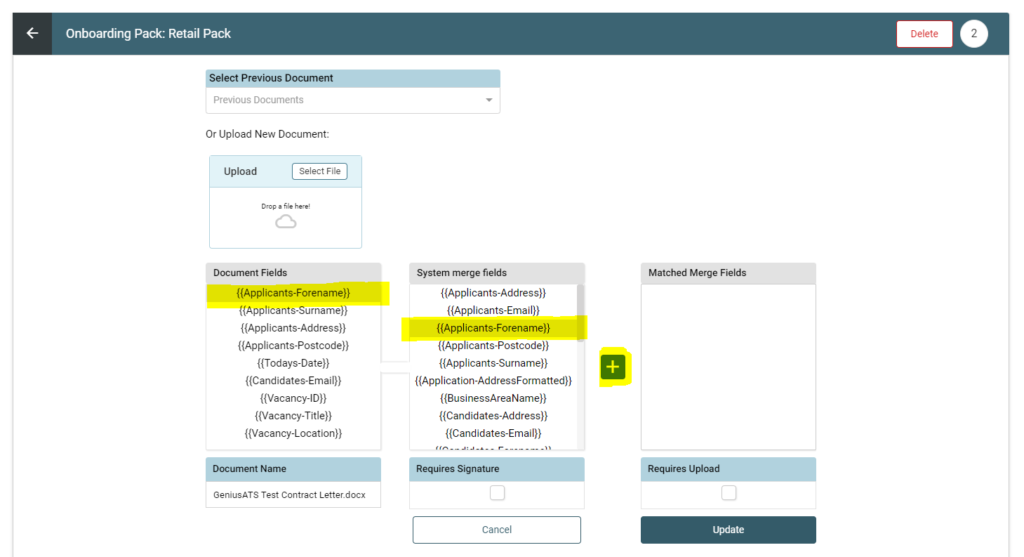
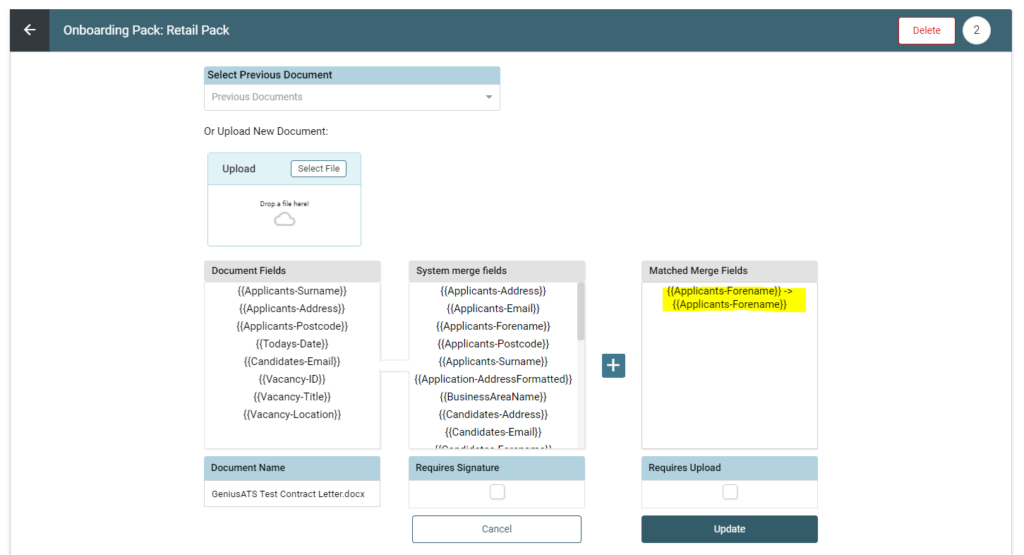
Continue as applicable throughout the document.
Documents requiring Signature or Upload
For any document which requires a digital signature from the recipient tick the box [Requires Signature]
For any document which requires the recipient to upload the document back to you tick the box [Requires Upload]
Assigning an Onboarding Pack to a Candidate
Once all of the documents have been uploaded into the pack, the pack can be assigned to a Vacancy Template, then it is ready to assign to candidates when they move to the ‘Appointed’ stage.
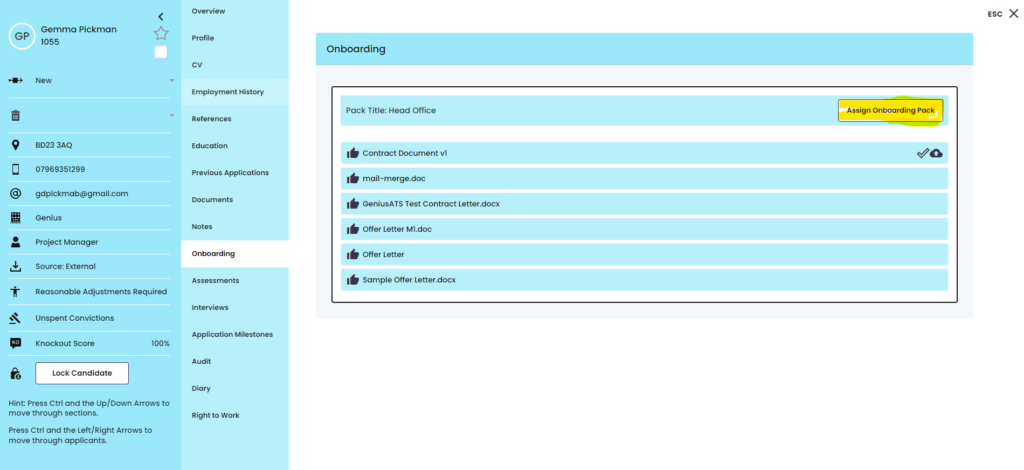
Candidates View:
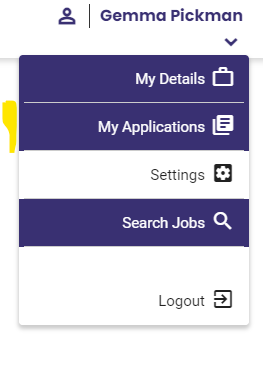
When the candidate logs into their account, an indicator will show that there is an action in the ‘My Applications’ section:
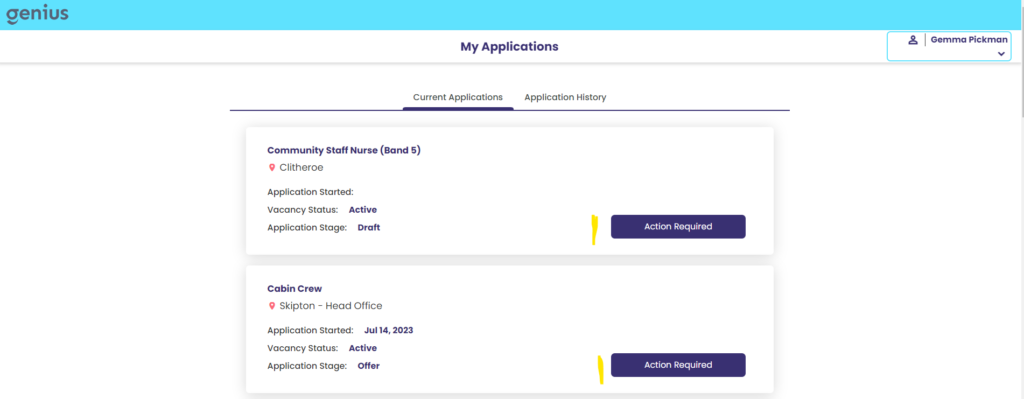
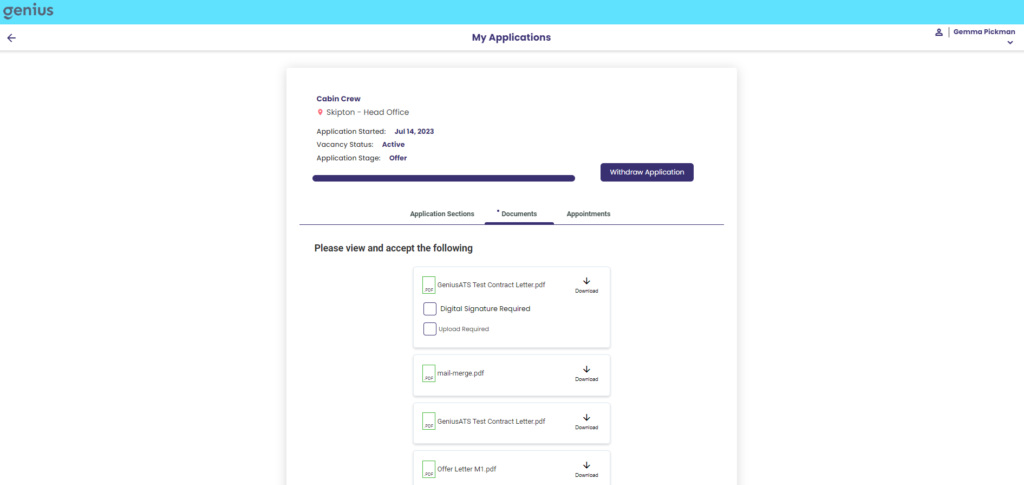
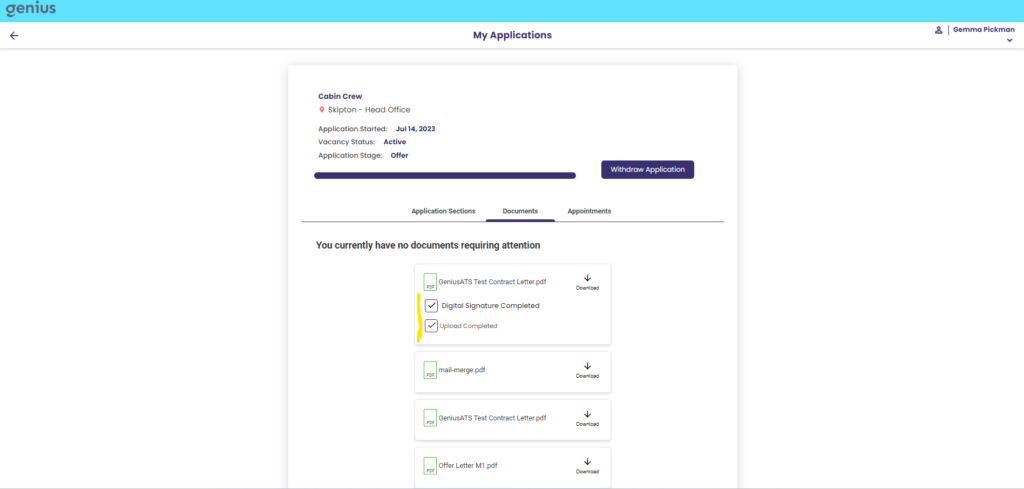
Here the candidate should [Download], [Provide a Digital Signature] and or [Upload] the document.
The Returned documents are visible in the Documents tab of the candidate profile and can be downloaded by your resourcing team if you need a hard copy:
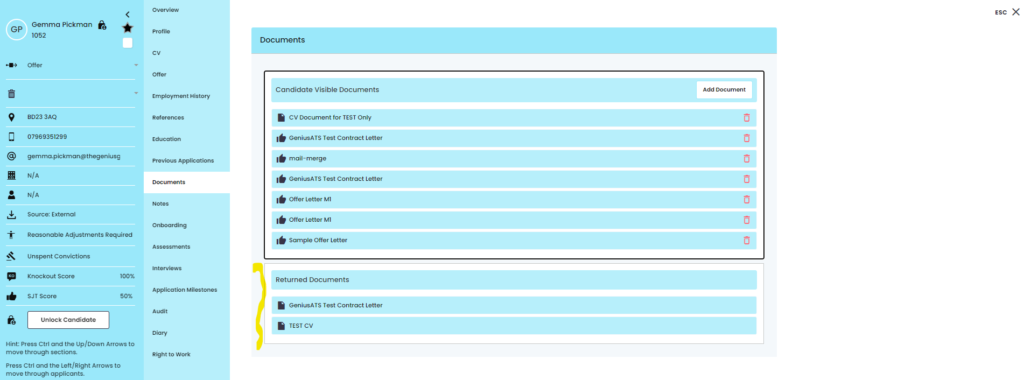
NOTE: A hard copy should be taken by the recruitment team, as should the candidate Anonymise their account then you will no longer be able to access this information