This section allows you to create and manage a library of Interview Templates that can be associated to any vacancy / vacancy template.
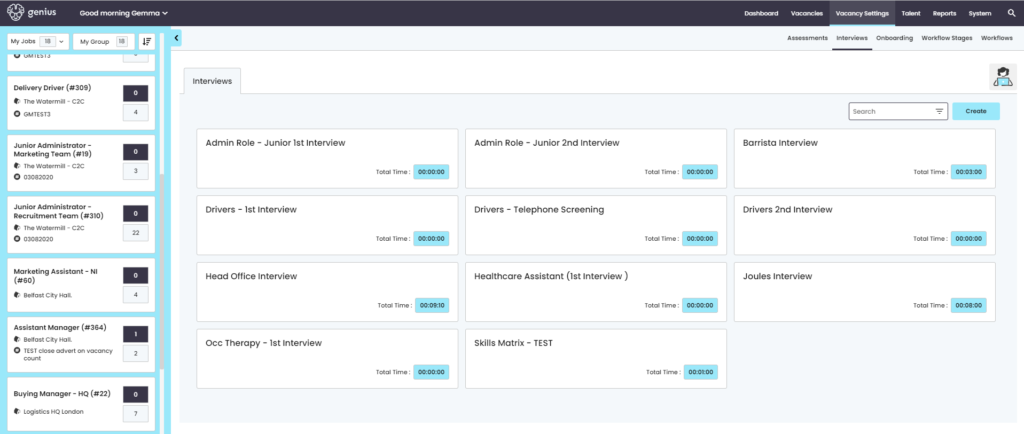
Create Interview Template
To create a new interview template, click on [create] and a pop up window will appear. Add a Template title
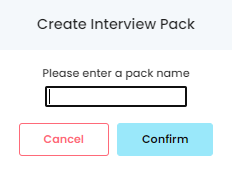
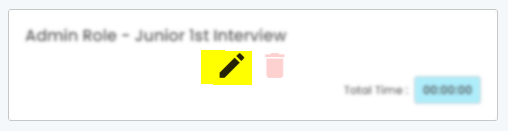
Once created, the pack will be created and will appear in the library, click on the edit icon on the new template square to edit the details.
Add the details of your interview by adding the questions and setting timeframes to ensure the interview is kept to a specific time
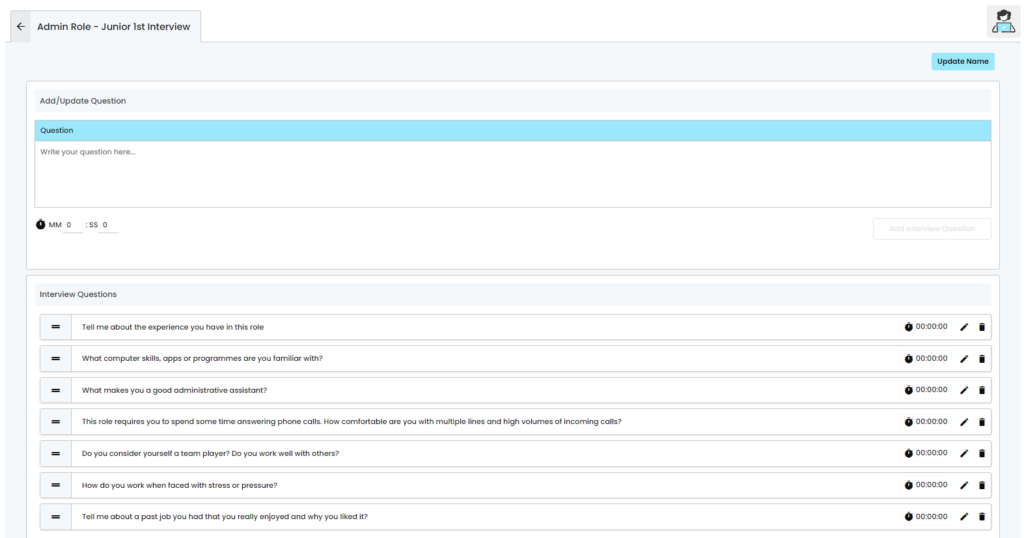
Questions can be moved around into the order required
Edit the question by clicking on the [pen] icon
Delete the question by clicking on the [Bin] icon